ONE BLOCK. A CHAIN OF POSSIBILITIES.
2048 Drop
Move, drop, and let the numbers connect.
Getting the drop board ready…
How to Play 2048 Drop
Move your first block
Move left or right, hold Down, or press Drop to start. One number block falls automatically at a time on a 6-column, 10-row board. The next block appears after every chain finishes.
Bring equal numbers together
Matching numbers touching above, below, left, or right merge in pairs. Diagonals do not count. Vertical pairs resolve first, from bottom to top and left to right; horizontal pairs follow in the same order. A vertical result stays below, and a horizontal result stays on the left.
Make a chain
Each block merges at most once per round. Blocks then fall into empty spaces and matching runs again. Every merge adds its result to your score: 8 plus 8 makes 16 and scores 16 points. Chain 2 means two merging rounds from one drop.
Reach 2048
Make a 2048 block to win. If no 2048 is present after all chains settle and the next block’s spawn in the third column is blocked, the run ends. Keep room near the top, especially in the middle.
Controls
Use ← and → to change columns, hold ↓ to speed up, and press Space to drop. On a phone, drag horizontally or use the buttons below the board. Blocks continue falling automatically after you start. Pause and Resume take a break; Restart begins a fresh run. Sound starts off.
Tips for Longer Chains
- Use the outlined landing preview to plan where your block will stop.
- Watch the next block and keep a matching number within reach.
- Build near the sides to leave the center spawn clear.
- Remember that vertical matches happen first. Plan around where their results land.
FAQ
What is 2048 Drop?
2048 Drop is a free number puzzle with automatically falling single blocks. Move each block between columns, merge matching neighbors, and build chains to reach 2048. There are no rotating pieces or line clears.
How do I control the blocks?
Focus the board and use Left and Right to move, hold Down to speed up, and press Space to drop instantly. Hold an arrow to repeat movement. On touch screens, drag sideways on the board or use the Left, Right, Speed up, and Drop buttons. Holding Space drops only one block.
Can I move a block after it touches the stack?
Yes. Each block has 250 milliseconds of total grounded adjustment time before locking. Moving sideways does not reset this allowance. Drop locks a block immediately.
Does the game get faster?
Blocks start at 800 milliseconds per cell. Every 12 locked blocks increases the speed by 55 milliseconds, down to a limit of 300 milliseconds per cell. New blocks are 2, 4, 8, 16, or 32, with smaller numbers appearing more often.
Can I pause or save a run?
Pause freezes falling blocks, lock time, chains, and the timer. Leaving the tab pauses the game, and you must resume manually. There are no saves or undo. Refreshing, leaving, or returning to the page starts a new visit with default settings. Your best score lasts only for the current visit.
When does the timer start?
The timer begins with your first valid move, acceleration, or drop. It keeps running during chain animations and pauses for dialogs or when the page is in the background. Restart resets the run timer and keeps your visit best.
More games to play
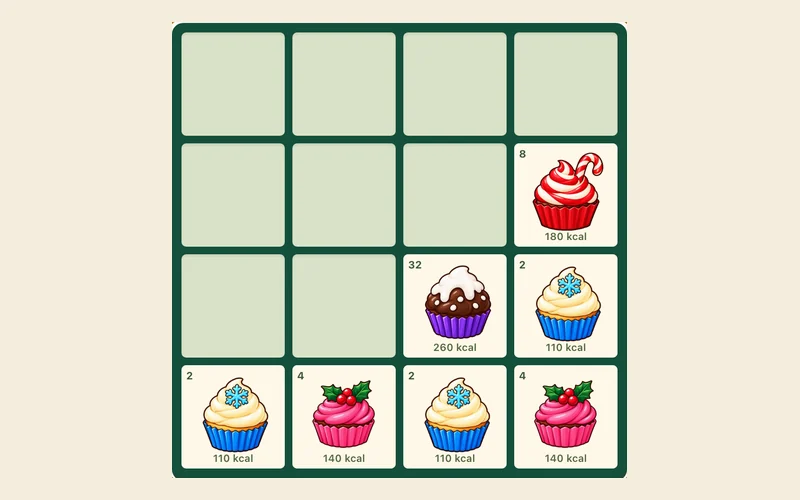
2048 Cupcakes
Slide and merge cupcakes.
Play now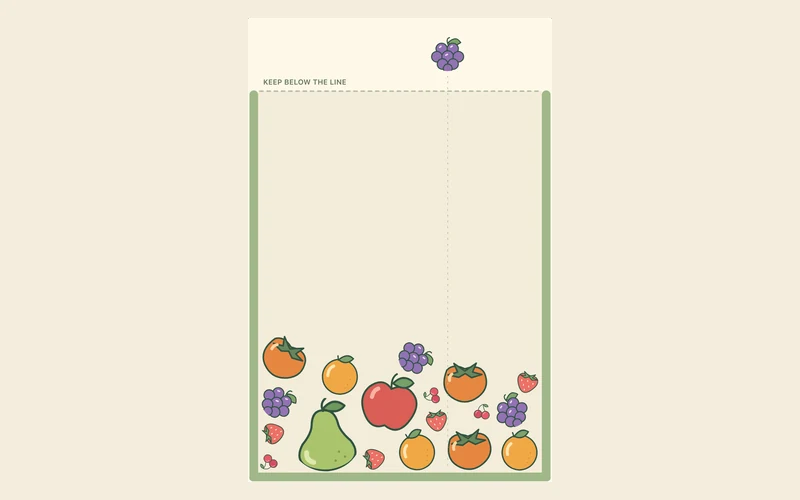
Fruit Merge
Drop matching fruits and grow a watermelon.
Play now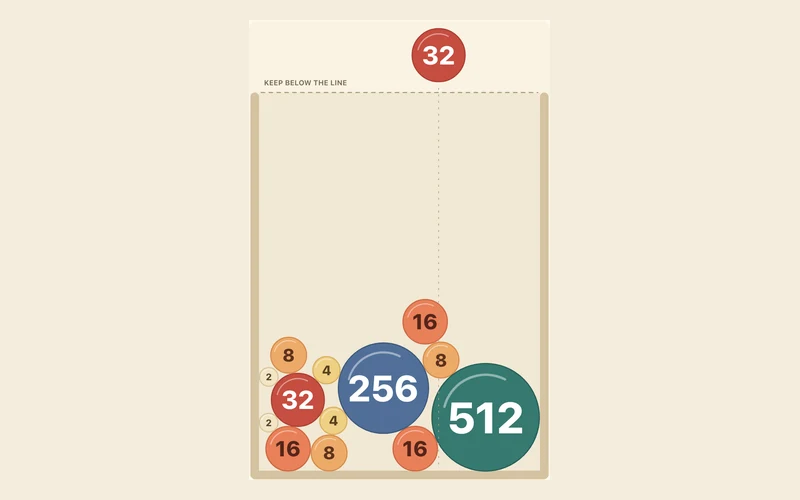
2048 Balls
Drop number balls. Match, double, reach 2048.
Play now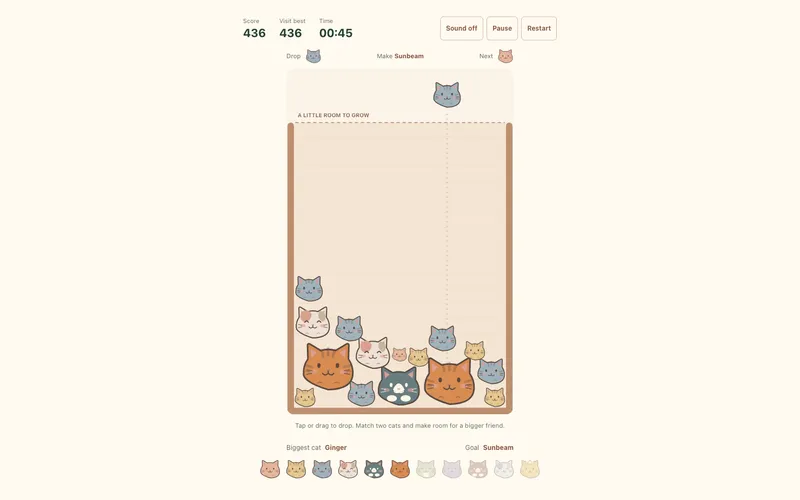
Cat Merge
Drop matching cats. Make room for a bigger friend.
Play now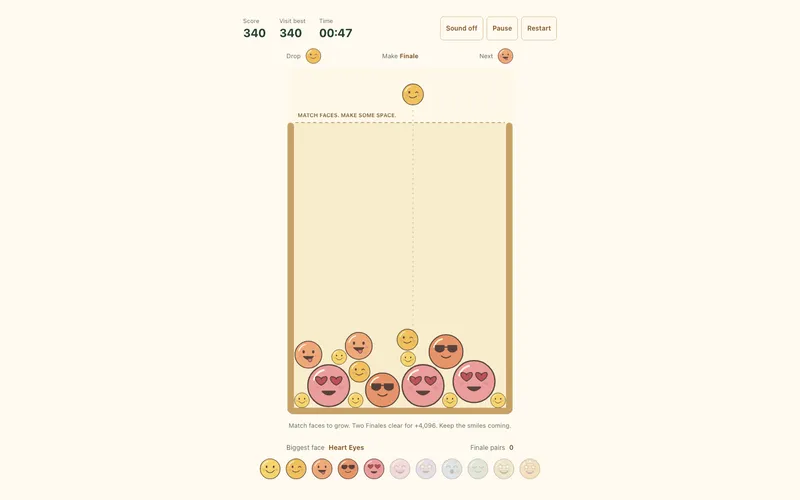
Emoji Merge
Match faces. Clear Finale pairs. Keep smiling.
Play now